Layouts
PHOTO COLOR PRO comes with a set of predefined layouts. Each layout is designed to fit a particular screen resolution.
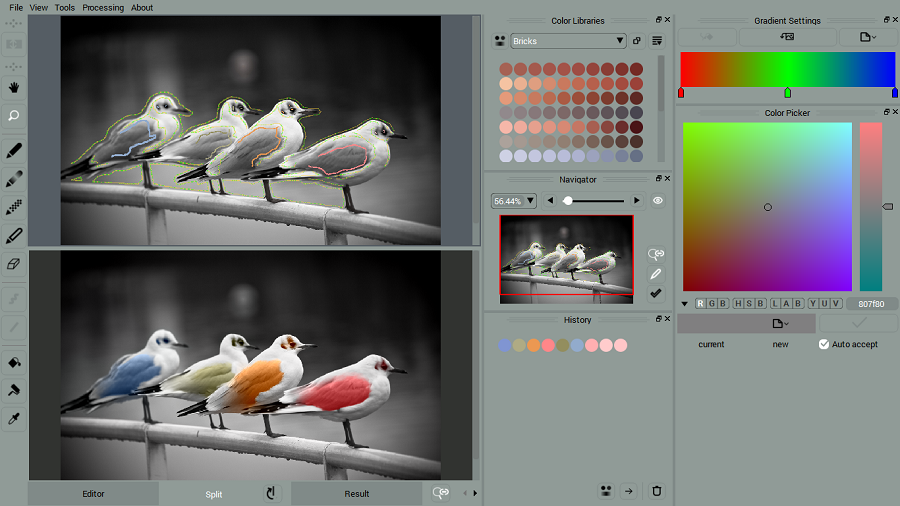

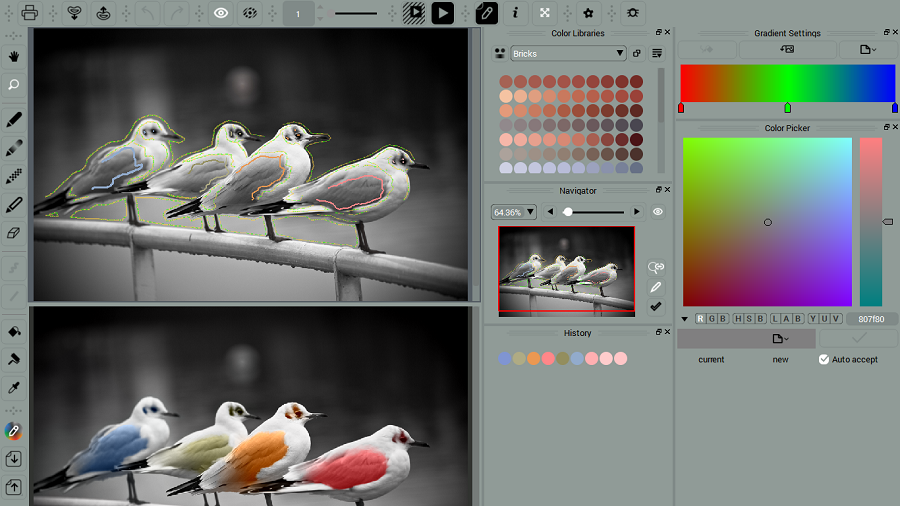
NOTE: Some layouts come with disabled top toolbar and Main Menu. You can fix this by changing a layout or manually enabling missing toolbars and Main Menu.
At the first launch the program picks the layout designed for your particular resolution. To change the layout
• call Preferences (press CTRL+K or Command+K)
• go under Tools Tab
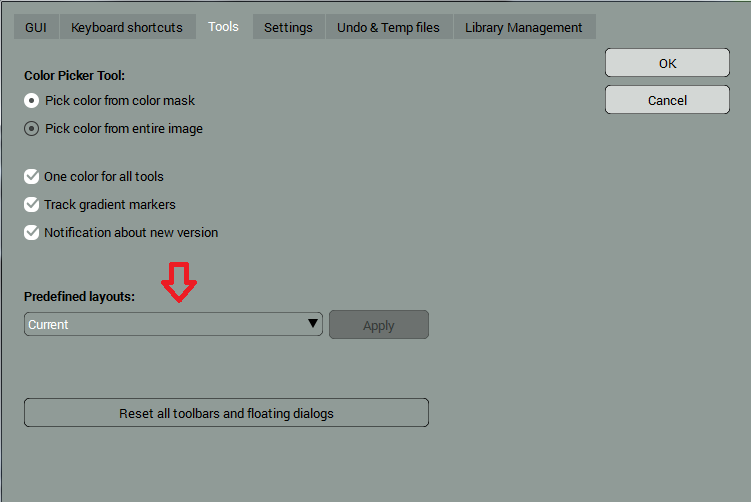
• pick a new layout, click Apply and Ok.
To return to the original layout, click Reset all Toolbars and Floating Dialogs and Ok.